News & insights
How to Build Internal Links That Strengthen Your Service Pages

How to Build Internal Links That Strengthen Your Service Pages
Internal links are one of the easiest ways to help a service page do its job. They show readers where to go next, help search engines understand what matters, and keep useful pages connected instead of stranded on their own.
Most sites still treat internal links like a tidy-up task. They add a few links at the end of a post and call it done. That misses the point. A good link should feel like the next sensible step for the reader. It should belong in the sentence it sits in.
Why internal links matter for service pages
Service pages rarely win on copy alone. They win when the whole site helps them. A good internal link sends authority, context and visitors toward the page you want to support.
That matters for two reasons. First, people do not arrive on a service page already understanding the business. They often need a second page or two to build trust. Second, search engines use links to understand how your site fits together. If a page has no useful internal links, it looks less important than it should.
Google’s SEO link best practices make the point plainly: important pages should be linked from other relevant pages, and anchor text should be descriptive. That is not a trick. It is just good site structure.
Start with the page you want to strengthen
Before you add links, decide which page needs the most support. That might be a core service page, a child service, or a page that explains the next step before someone enquires.
For Effortless Web, that usually means pages like SEO & Content Marketing, Content Writing, or On-Page & Technical SEO. Those pages do better when the blog and related service pages keep pointing back to them.
Once you know the target page, the rest gets easier. You are no longer linking for the sake of it. You are building a path.
Use anchor text that tells the truth
The anchor text is the visible part of the link. It should tell the reader what they will get if they click.
That sounds obvious, but people still fall back on vague phrases like “click here” or “read more”. Those phrases waste the link. They also force the reader to guess.
Good anchor text is short, specific and natural. Use the words a real person would use out loud. If the anchor sounds weird in a sentence, it probably is.
- Good: SEO & Content Marketing
- Good: On-Page & Technical SEO
- Weak: learn more
- Weak: best SEO solution for all needs
Google’s guidance on sitelinks also points in the same direction. Keep your structure logical and your links relevant. That helps people move through the site and helps Google understand what matters.
Link from relevant pages, not every page
Not every page should link to every service page. That creates noise, not clarity.
Instead, think in clusters. A blog post about content strategy can point to Content Writing. A post about page structure can point to Web Design & Development. A post about search intent can point to SEO & Content Marketing. That is enough.
If you force unrelated links into a post just because the service page exists, the link stops feeling helpful. Readers notice that. Search engines do too.
How to build a simple internal linking map
You do not need a spreadsheet the size of a small novel. A simple map is enough.
- Choose one page you want to support.
- List two or three supporting posts or pages that naturally lead to it.
- Add one descriptive link where the topic already fits.
- Check the link again in context. Read the sentence aloud.
- Make sure the surrounding paragraph explains why the link is there.
That keeps the page useful. It also avoids the common mistake of adding a link without giving the reader a reason to care.
If you want a cleaner way to think about page roles first, the related read The Difference Between a Blog Post, a Service Page and a Landing Page is a good companion piece. It explains why different pages need different jobs in the first place.
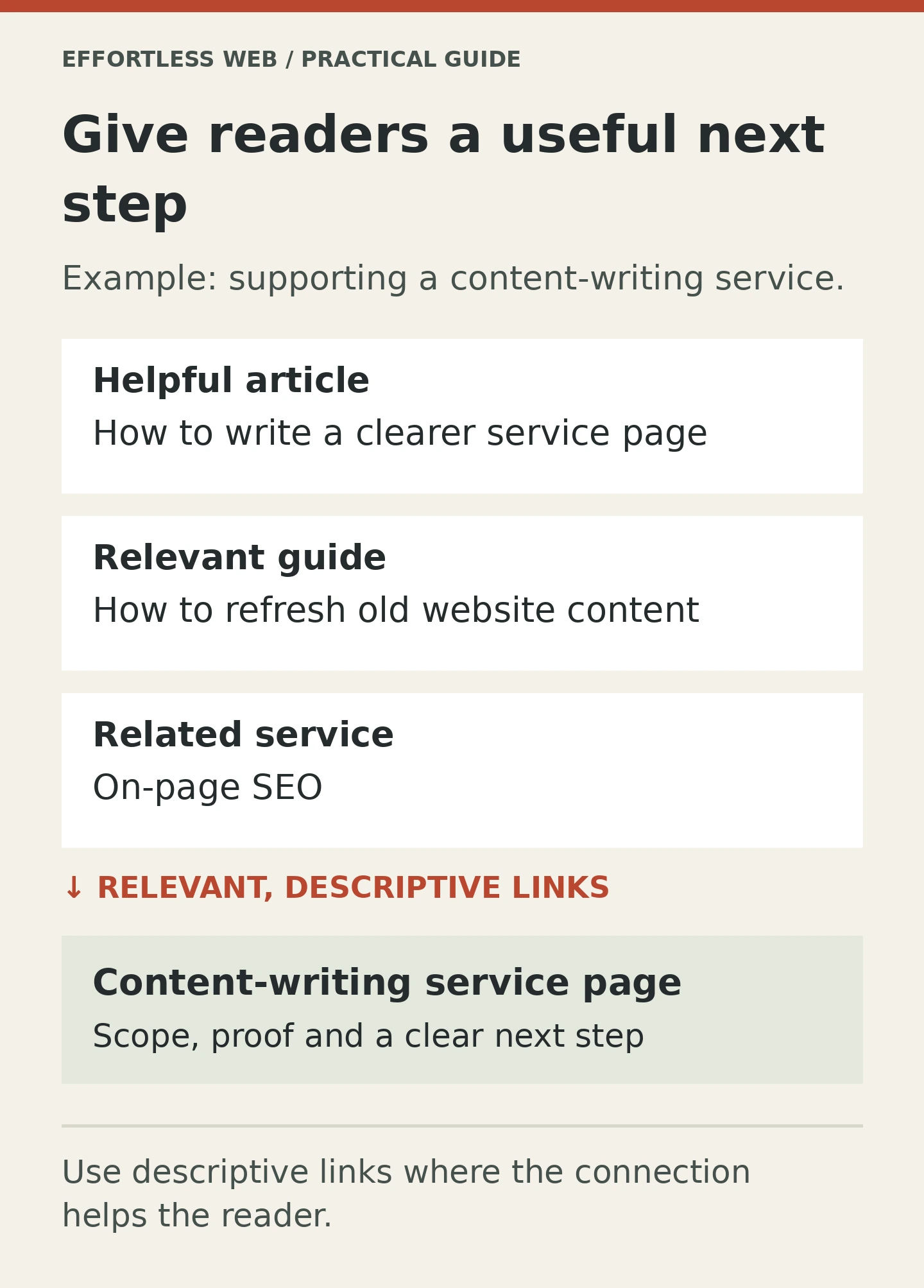
Where service pages usually need links
Most service pages benefit from links in three places:
- In the body copy. This is the best place for the most relevant link because it sits inside useful context.
- In supporting articles. Blog posts should point back to the service page when they have earned the right to do so.
- In related service pages. If the services naturally work together, link them so the reader can move around without starting over.
The goal is not to scatter links everywhere. The goal is to make the next step obvious.
What to avoid
Internal linking breaks down when people chase volume instead of usefulness.
- Do not repeat the same link five times in one article.
- Do not use broad, vague anchor text.
- Do not link just because a page exists.
- Do not use keyword-stuffed anchor text that sounds forced.
- Do not rely only on footer links or navigation to support important pages.
Google’s SEO Starter Guide is a good reminder here too. Clear site navigation and clear internal links help both users and search engines. You do not need a clever system. You need a sensible one.
A simple rule for better internal links
Ask one question before you add a link: would this help a reader move to the next useful page?
If the answer is yes, the link probably belongs there. If the answer is no, leave it out.
That is the difference between internal links that look tidy and internal links that actually help service pages perform.
Need help strengthening the pages that matter most?
If you want a cleaner internal linking plan, stronger service page structure and better search visibility, talk to Effortless Web about SEO & Content Marketing or get in touch.