News & insights
When Should a Business Redesign Its Website Instead of Just Updating Pages?

When Should a Business Redesign Its Website Instead of Just Updating Pages?
When should a business redesign its website instead of just updating pages? Usually the answer is not “because the site feels old.” That is too vague, and vague decisions get expensive fast.
The real question is simpler: is the problem mostly about page content, or is it about the structure the whole site is built on?
If the issue is stale copy, weak calls to action, thin service pages, or a homepage that no longer matches the business, you may only need to update pages. If the navigation is confusing, the mobile experience is awkward, the templates are boxed in, or the site is hard to maintain, a redesign starts to make more sense.
That sounds obvious. In practice, people often keep updating a site long after the structure has stopped helping them. Then they wonder why the fixes feel small and the results still feel average.
If you are also trying to diagnose why the site underperforms, Why Is Your Website Losing You Leads? 7 Problems to Fix First is the best companion read.
When should a business redesign its website instead of just updating pages?
The short answer is: when the problem is structural rather than editorial.
That is the line I keep coming back to. A lot of website work is really copy work. Some of it is page-level SEO. Some of it is just clarity. But there comes a point where the site itself gets in the way.
That is when a redesign is not cosmetic fluff. It is a practical reset.
A useful way to think about it is this:
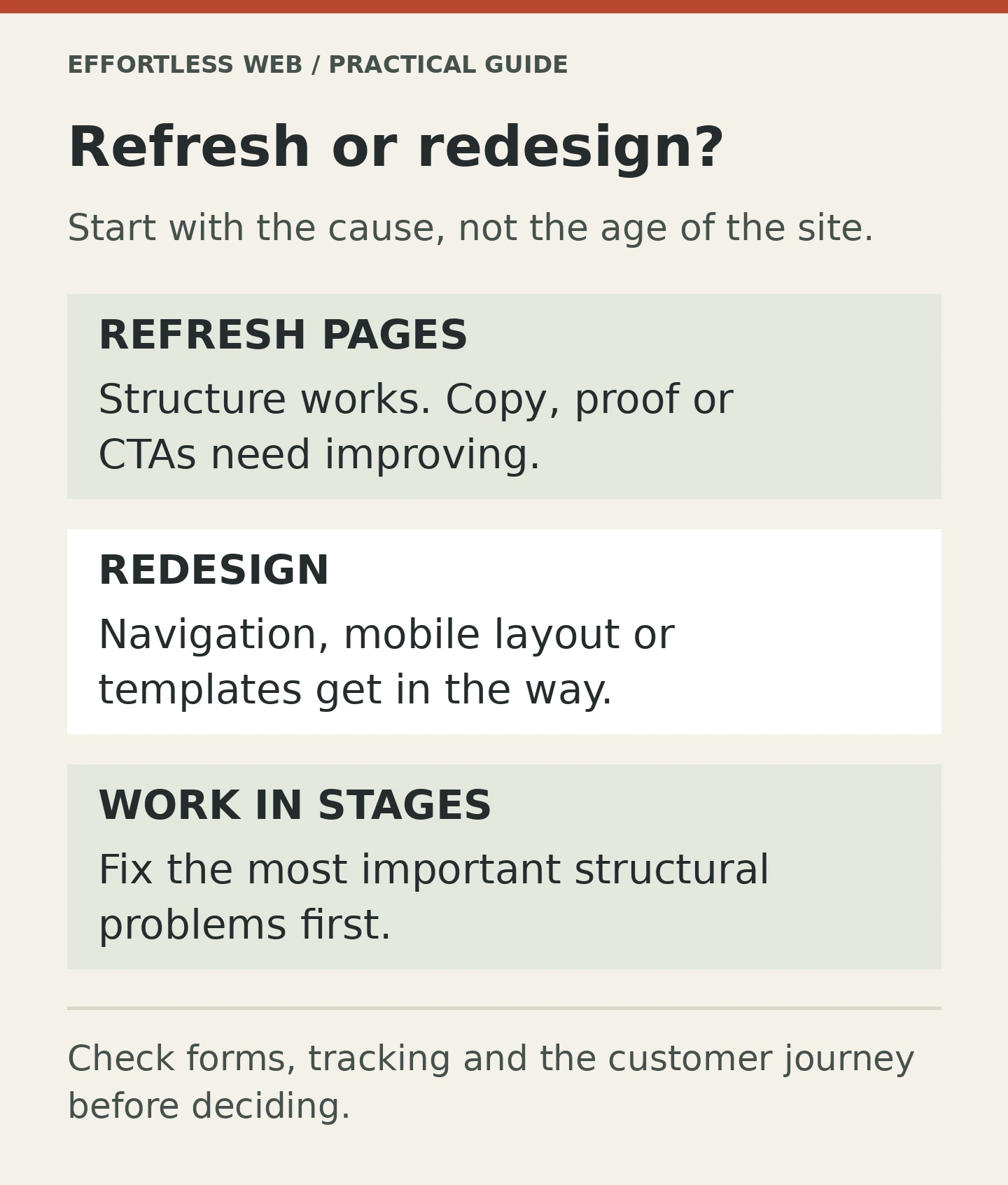
- Update pages when the structure is fine, but the wording, proof, or calls to action are weak.
- Redesign when the structure, templates, navigation, or system are making the site harder to use than it should be.
The first fix is lighter. The second one costs more, but it can save you from months of patching something that was never set up well in the first place.
Update pages when the problem is mostly content
Many sites do not need a full rebuild. They need better words, better hierarchy, and a clearer path to enquiry.
That usually looks like this:
- the homepage says too little or says it in a fuzzy way
- service pages are thin or repetitive
- the CTA is weak
- trust signals are buried too far down the page
- the site content no longer reflects what the business actually does
- SEO pages need sharpening, not rebuilding
In those cases, a redesign can be overkill. A better page structure, stronger copy, and more useful proof may be enough.
This is where Website Optimization & Analytics and Web Design & Development overlap nicely. One helps you understand what is happening. The other helps you make the page easier to understand.
Google’s page experience guidance and web.dev’s Core Web Vitals advice both point in the same direction: if the page is usable, stable, and responsive, you are already ahead of a lot of sites. That does not require a rebuild every time. Sometimes it just needs a proper edit.
Redesign when the structure is the problem
This is the harder call, but it is often the right one.
If the website structure itself is making the business harder to understand, a few page updates are not going to fix it. The issue is bigger than copy. The issue is the way the site has been assembled.
Signs that point toward a redesign include:
- the navigation no longer matches how people shop for the service
- the site has grown into a mess of duplicated templates and awkward sections
- the mobile version feels like a compromise rather than a proper experience
- important services do not have the page space they need
- the homepage cannot explain the business quickly
- the CMS or theme makes small changes harder than they should be
- tracking, forms, and page components are all patched together in a fragile way
Once you reach that point, the site may still be “working” in the strict technical sense, but it is no longer helping the business in a clean way.
That is when incremental changes start to feel like polishing dents on a car that needs panel work.
NN/g’s article on radical redesign or incremental change is a good reminder that a redesign should be chosen for the right reasons, not because somebody wants a fresh look for the sake of it. A redesign should solve a real problem. Not just scratch a visual itch.
The homepage test is often the easiest way to tell
If I only had five seconds on a site, I would start with the homepage.
That is where a lot of redesign decisions become obvious. If the homepage cannot answer these questions fast enough, the site may need more than a few content edits:
- what does this business do?
- who is it for?
- why should I trust it?
- what should I do next?
NN/g’s homepage design principles are useful because they keep the discussion grounded. A homepage is not supposed to impress everyone. It is supposed to orient the right people.
If the current homepage does not do that, you can keep rewriting it, but at some point you may be forcing old structure to do a job it was never built for.
Trust problems can push you toward a redesign too
Sometimes the site content is decent, but the presentation undermines it.
Maybe the pages feel inconsistent. Maybe the design looks dated in a way that makes the business seem less credible. Maybe the layout does not give trust signals enough room to breathe. Maybe the service pages look fine on desktop but feel awkward on mobile, which is where most people are actually browsing.
NN/g’s trustworthiness in web design is worth reading if you are trying to judge whether the site is making people hesitate. Credibility is rarely built by one giant design flourish. It comes from clarity, consistency, and visible proof.
If the current site is failing that test, a redesign can help rebuild the trust layer instead of keeping it propped up with temporary fixes.
The maintenance burden matters more than people think
Another sign you may be due for a redesign is the cost of maintaining the site itself.
If every small edit is awkward, if plugin conflicts keep showing up, if new sections are hard to add, or if the current setup makes the team avoid touching the website unless they absolutely have to, the platform is starting to work against you.
That is not just annoying. It slows the business down.
A redesign can sometimes lower the maintenance burden by giving you a cleaner system, clearer templates, and a better content model. That does not mean the redesign has to be flashy. It just needs to be easier to live with.
This is where the practical side of Web Design & Development matters. A good redesign should not only look better. It should be easier to manage after launch.
A simple rule for deciding
If you want a quick filter, try this:
- Update pages when the site structure is still sensible, but the messaging, proof, or calls to action need work.
- Redesign when the site structure, navigation, templates, or CMS are the thing holding the business back.
That rule is not perfect, but it cuts through a lot of hand-waving. It also stops people from using “redesign” as a catch-all solution when they really mean “our copy needs work.”
There is a good middle path too. A business can redesign the parts that matter most first, then update the rest in stages. That is often smarter than trying to rebuild everything at once, especially if the site still brings in enquiries.
That incremental path is also where How to Build a Website That Still Performs in AI-Driven Search fits in nicely. If search is changing and the site needs to be clearer for humans and machines, the structure matters as much as the wording.
What to check before you decide
Before you commit to a rebuild, I would check these basics:
- Do the service pages explain the offer clearly?
- Does the homepage orient people quickly?
- Are the menus and page paths obvious?
- Does the site work properly on mobile?
- Are the forms, tracking, and enquiry paths reliable?
- Is the CMS making the team’s life harder than it should?
- Would better copy fix most of the issue, or is the structure itself the problem?
If the answer to most of those questions is “the structure is the problem,” you are probably looking at a redesign rather than a content refresh.
If the answer is mostly “the pages need to say things better,” you can probably skip the rebuild for now and put the effort into page updates instead.
Not sure whether you need a redesign or just sharper pages?
If you want a practical view on the difference, talk to Effortless Web about Web Design & Development. If you need help working out whether the site is losing leads because of structure, content, or measurement, Website Optimization & Analytics can help, too.